
You’ve been there.
The insights are ready. The numbers make sense. But turning everything into a sharp, polished presentation takes longer than it should. Formatting slides, fixing layouts, rewriting points, it drains the time you simply don’t have.
That’s where AI presentation makers come in.
Rather than starting from a blank slide, you begin with a prompt or rough outline. These tools can suggest slide structures, generate draft content, recommend layouts, and design visuals in minutes. While they don’t replace your thinking or strategy, they significantly reduce the manual work that usually slows you down.
In this blog, we’ll explore the best AI presentation makers in 2026 that help you create faster and present smarter.
Top AI Presentation Generators for Professionals
Here are some of the best AI presentation makers for professionals:
1. Gamma
Gamma turns ideas into polished presentations without the usual blank-slide struggle. Add a prompt, outline, or existing content, and it generates a structured deck with clean, modern layouts. It also supports documents and web-style pages, giving it more flexibility than standard slide tools.
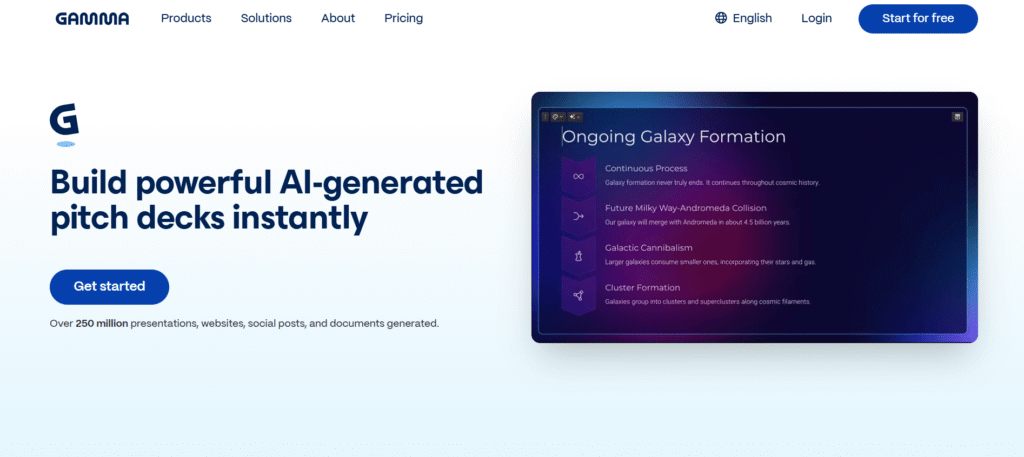
Its real strength is speed. You can refine text with AI suggestions, apply brand themes, rearrange sections, and share via link or export to PowerPoint and PDF. Ideal for pitch decks, sales proposals, and internal updates when time is tight but quality still matters.
2. Canva (Magic Design)
Canva brings AI into its familiar design platform through Magic Design and Magic Studio. You can generate presentations from a prompt or document, and the tool suggests layouts, visuals, and copy that match your theme. It’s simple to use, even if you don’t have a design background.
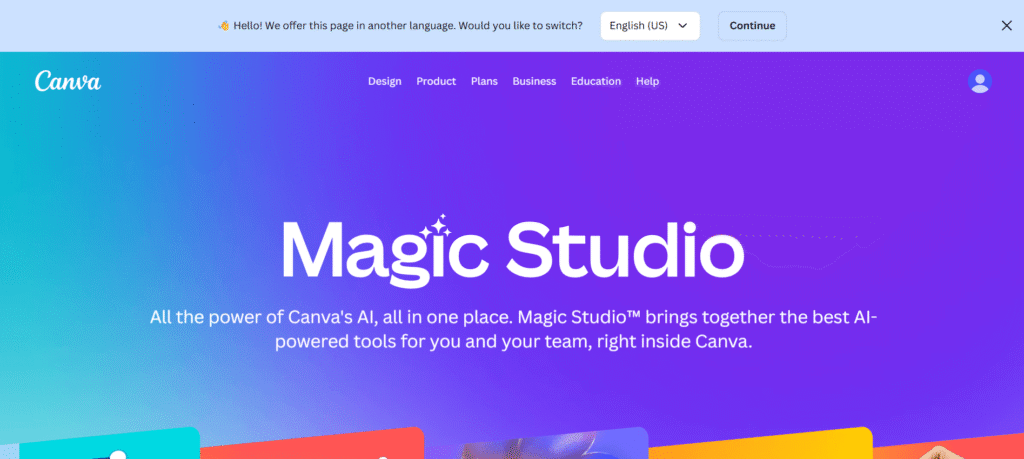
What sets Canva apart is its broader creative toolkit. Alongside slides, you get AI writing, image generation, background removal, resizing, and brand controls, all in one workspace. If your team already creates marketing assets and social content, Canva makes presentations part of the same streamlined workflow.
3. Slidesgo
Slidesgo combines AI slide generation with its large template library. You enter a topic, choose the number of slides and a theme, and the tool creates a ready-to-edit presentation. It also allows file uploads (PDF, DOCX, TXT) to convert existing content into structured slides.
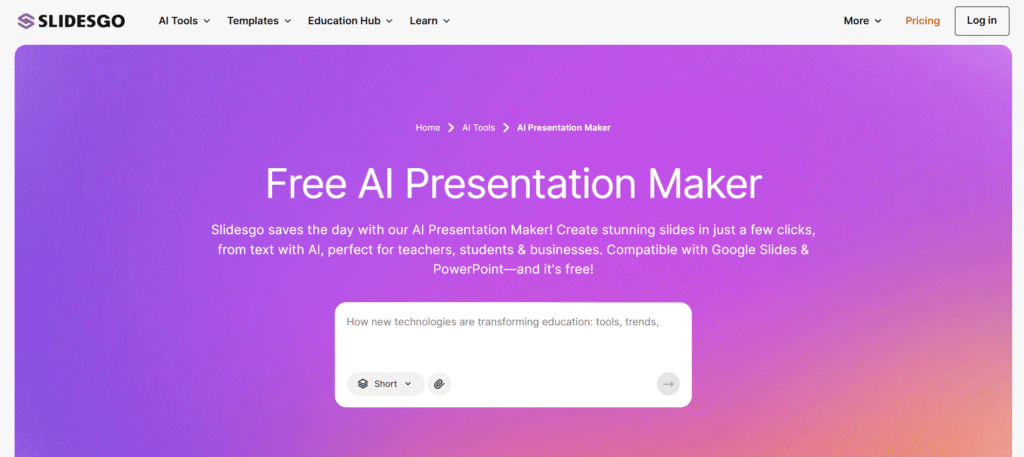
What makes Slidesgo practical is its template-first approach. You can select from 100+ professional designs and download the presentation as a PPTX file for PowerPoint or Google Slides. It’s especially useful for teachers, students, and business users who want structured, visually consistent slides without spending hours designing from scratch.
4. Adobe Express
Adobe offers a free presentation maker through Adobe Express, designed for quick, polished slide creation. You can start from scratch, import existing slides, or choose from thousands of professionally designed templates. Built-in generative AI tools help refine layouts, visuals, and text quickly, even on mobile.
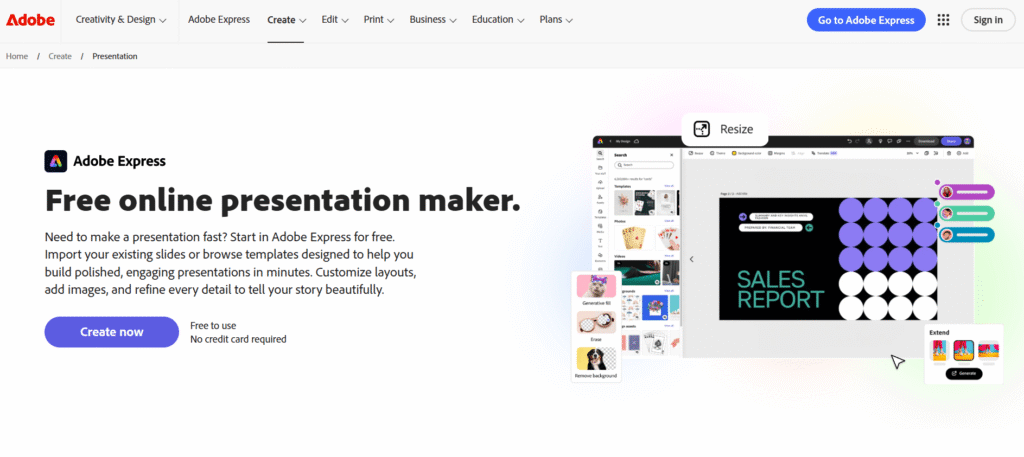
Its strength lies in design quality and creative control. You get access to Adobe Stock assets, background removal, quick edits, and real-time collaboration. It’s a solid choice for marketers, students, and teams who want a strong visual impact without complex software.
5. Presentations.AI
Presentations.AI positions itself as “ChatGPT for presentations,” turning simple prompts, outlines, or documents into full slide decks within minutes. You focus on the story, and the platform handles structure, layout, and visual consistency. It also supports exporting to PowerPoint for easy sharing.
Features like Brand Sync help maintain a consistent visual identity, while built-in analytics track engagement. With collaboration tools and multi-device access, it works well for sales teams, founders, and leadership teams who need polished decks without spending hours on them.
6. Beautiful.ai
Beautiful.ai focuses on removing the design friction from slide creation. You start with a prompt or template, and the AI generates a structured draft in seconds. From there, Smart Slides automatically align, resize, and format your content as you edit, so you’re not dragging text boxes or fixing spacing.
Its strength lies in design guardrails. Slides adjust dynamically to keep layouts clean and on-brand, making it ideal for teams that need consistency across decks. With built-in themes, collaboration tools, data visualization, and PowerPoint compatibility, Beautiful.ai works well for teams that want polished results without manual formatting.
7. Sendsteps
Sendsteps is built specifically for educators who want to create interactive lessons without spending hours preparing slides. You can paste a topic or upload notes, and the AI turns them into structured presentations with visuals and built-in quizzes. It’s designed to simplify lesson planning while keeping content clear and organized.

What makes Sendsteps different is its real-time engagement features. Teachers can add live polls, quizzes, and Q&A sessions that students answer on their own devices, whether in person or online. It’s a strong fit for primary, secondary, and university educators looking to make classes more interactive and memorable.
8. Tome
Tome uses AI to turn raw content into structured, visually polished presentations. You can start with text, upload documents, add a URL, or even pull insights from YouTube links. The platform analyzes your input and automatically organizes it into clean slides with a logical flow and balanced layout.
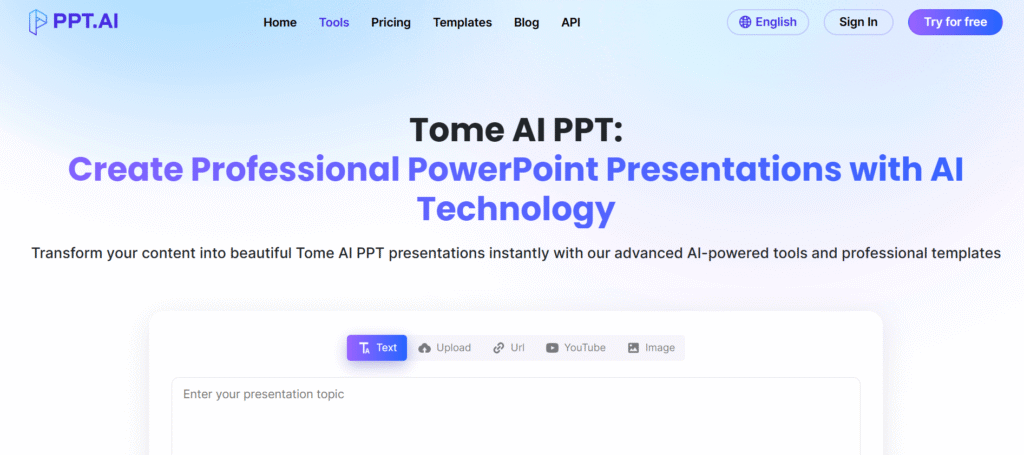
What makes Tome useful is its flexibility. With multiple template options and AI-driven formatting, it reduces the time spent structuring and designing decks. It’s a practical choice for consultants, educators, and business teams who need to transform existing content into clear, presentation-ready slides without starting from scratch.
9. Gemini for Google Slides
Gemini is built directly into Google Slides for eligible Google Workspace users. From the side panel, you can generate slides from prompts, rewrite or summarize content, and create images without leaving your deck. It also pulls context from your Drive files to make suggestions more relevant.
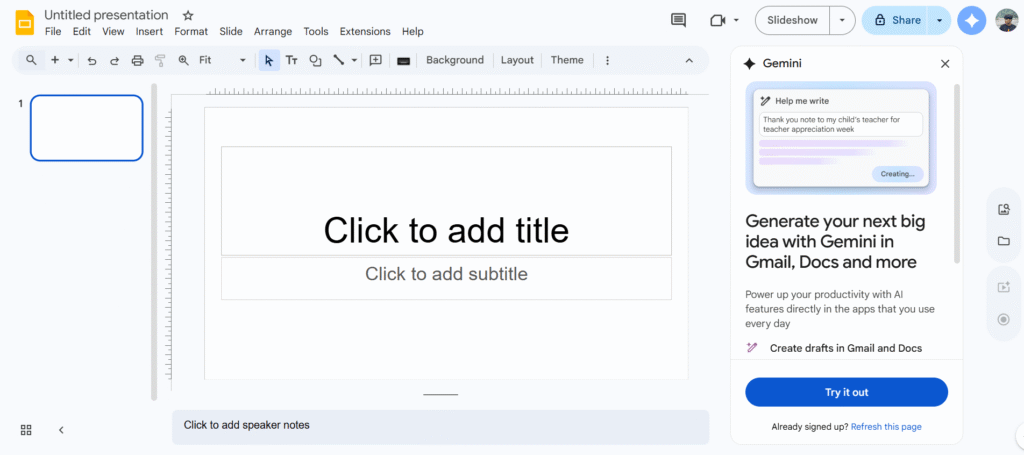
Its advantage is seamless integration. There’s no new tool to learn, just AI support inside the Slides interface you already use. For teams fully invested in Google Workspace, Gemini adds speed and ideation without disrupting existing workflows.
10. SlidesAI.io
SlidesAI.io is an AI slide generator that works directly inside Google Slides and PowerPoint. After installing the add-on, you can paste your text or enter a topic, and it converts your content into structured slides within seconds.
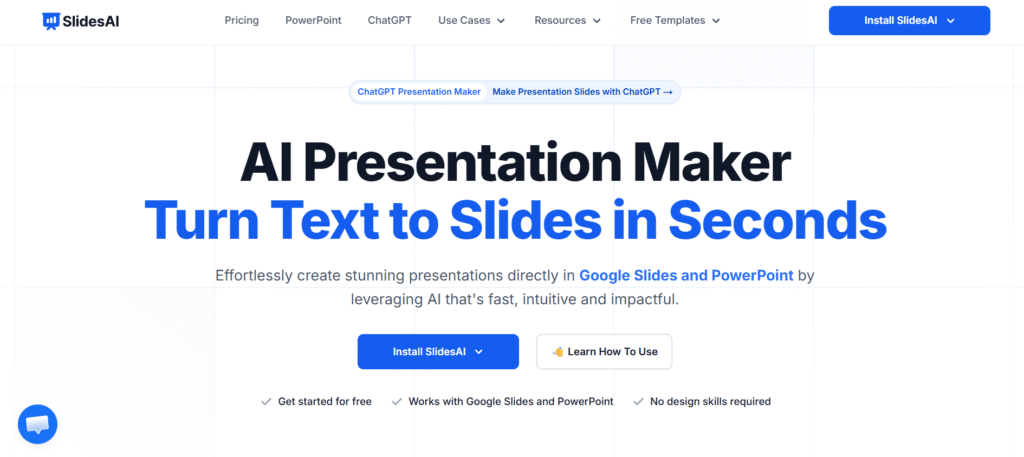
Its strength is simplicity and speed. You can adjust tone, rephrase content, choose from built-in themes, and export fully compatible PPTX files. With support for 100+ languages and millions of installs, SlidesAI.io is a practical option for educators, students, and professionals who want fast, no-friction slide creation.
11. Decktopus
Decktopus helps you generate full presentations from a simple prompt. Enter your topic, and it builds an outline, selects slide types, and fills in relevant content, all aligned with your brand colors, fonts, and logo. You can also paste existing text or regenerate slides to explore different directions.

Its strength lies in speed and branding. With auto-branding, custom templates, AI-generated images, and built-in speaker notes, Decktopus is designed for business users who regularly create decks. Teams can maintain a consistent slide library while cutting hours spent on formatting and design.
12. Pitch
Pitch is a cloud-based presentation platform designed for teams that want speed without sacrificing design. You can start from 100+ professionally built templates, import PowerPoint files, or generate a first draft with AI. It blends presentation creation with collaboration, so multiple team members can edit in real time.
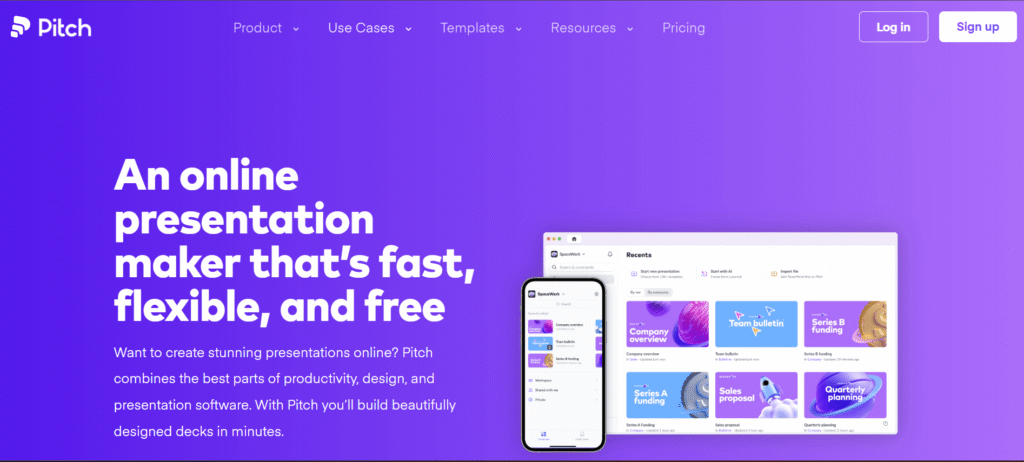
Pitch stands out for workflow and brand control. Custom slide styles, shared asset libraries, and data integrations (like Google Sheets and Analytics) keep decks consistent and up to date. With built-in analytics and flexible sharing links, it’s a strong option for startups, marketing teams, and sales teams creating pitch decks, reports, and investor presentations.
Conclusion
AI presentation makers now help you move from idea to ready-to-share deck in minutes, whether you prefer Google Slides, PowerPoint, or standalone tools. The right platform depends on your workflow, team, and level of design control.
But great slides aren’t just about design. Clear thinking and strong messaging still make the difference. If you want presentations that not only look polished but also drive real impact, Contensify can help.
Ready to create content that converts? Let’s connect.